
Step 1 : To install WordPress , at first we need to go cPanel.
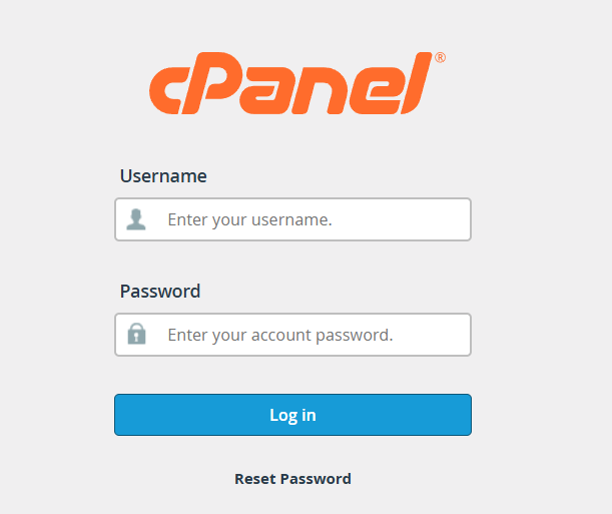
Login from here https://easyaccsoft.com:2083/
Step 2 : Key in Username and Password to login.
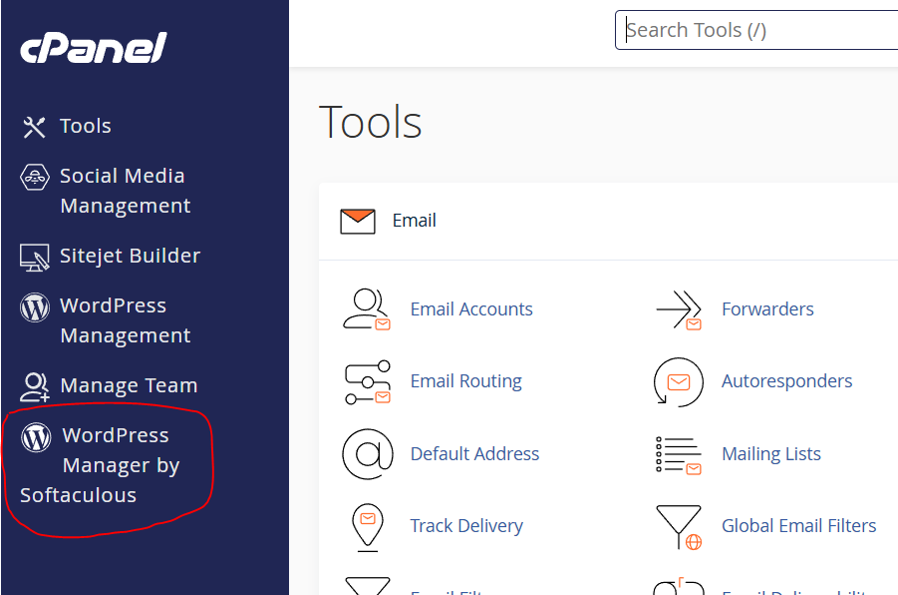
Step 3 : After logged in, Find out WordPress manager from here.
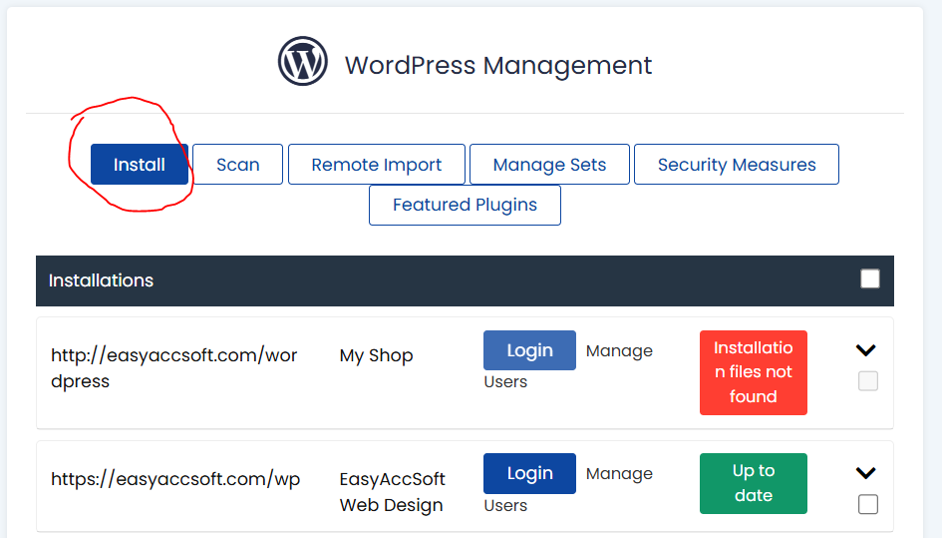
Step 4 : Click at Install
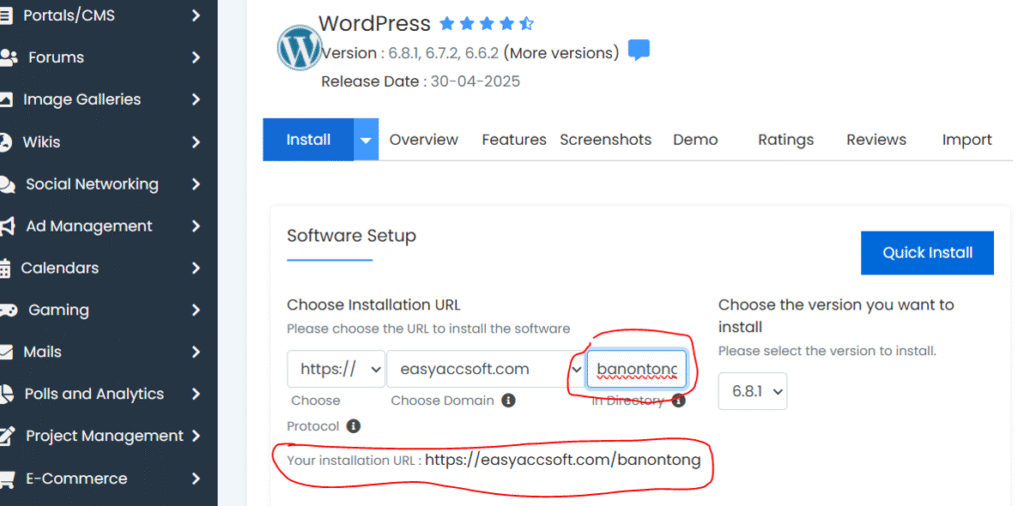
Step 5 : Key in the folder name, e.g. banontong
Step 6 : Next key in your site name, and other information and scroll down to the botton and click Install
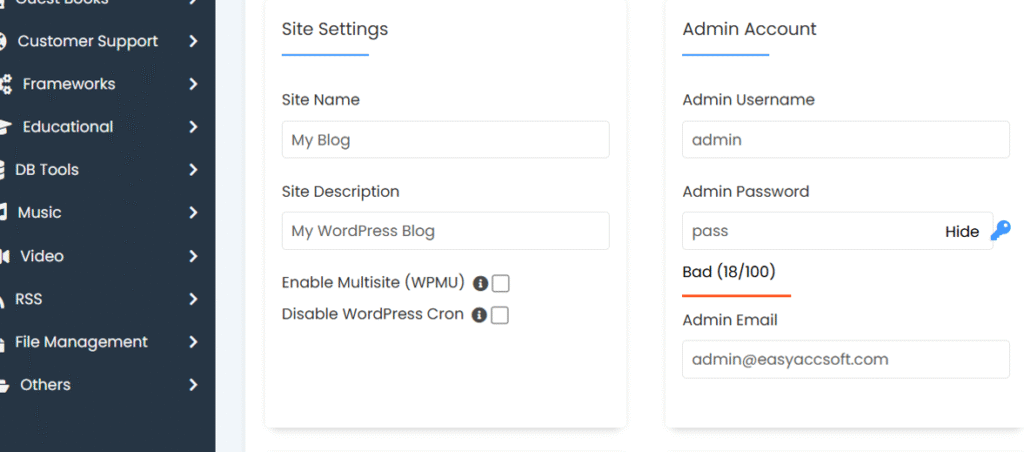
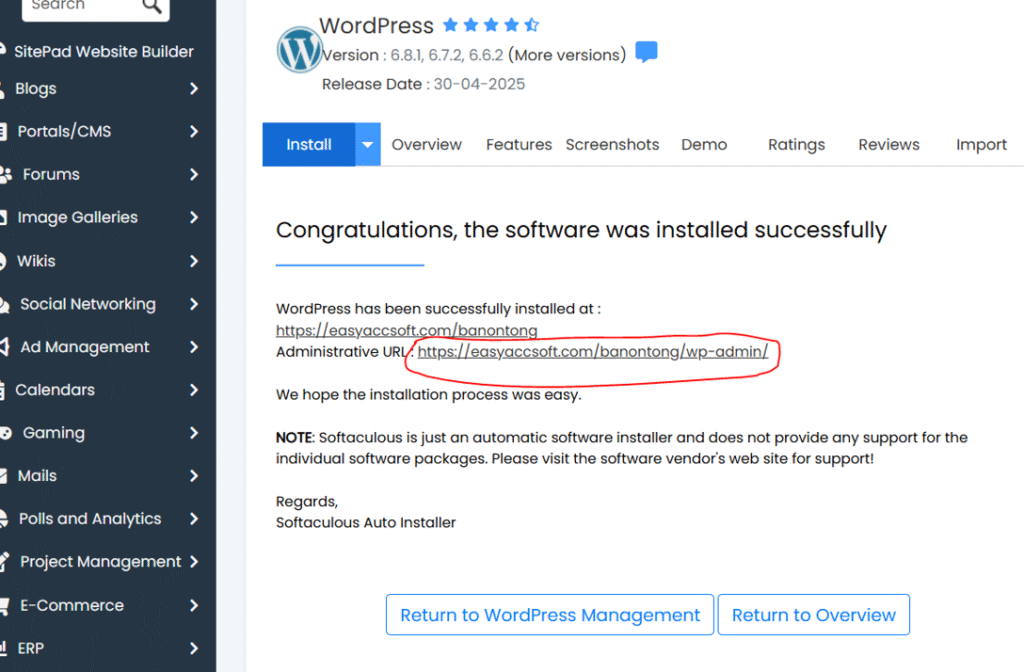
Step 7 : When you saw this, wordpress is installed successfully. Double click at Adminstrative URL
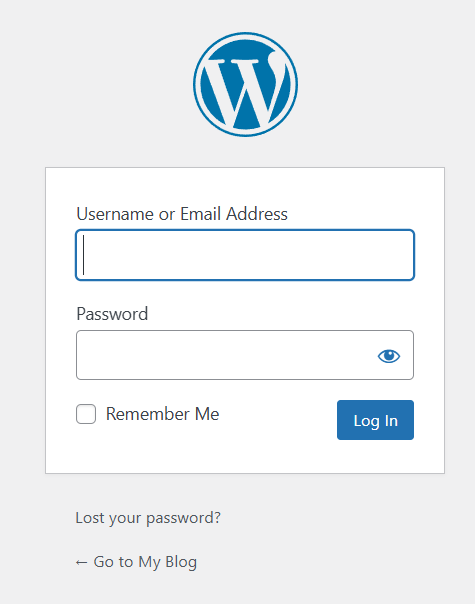
Step 8 : Log in to setup your wordpress site
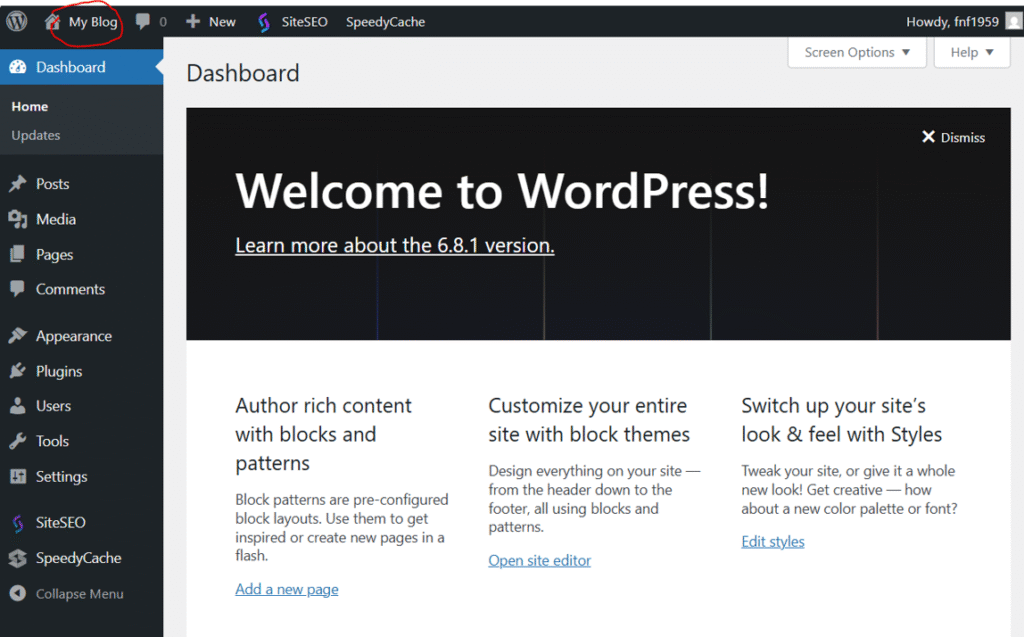
Step 9 : This is your admin panel, click at My Blog to go to your website
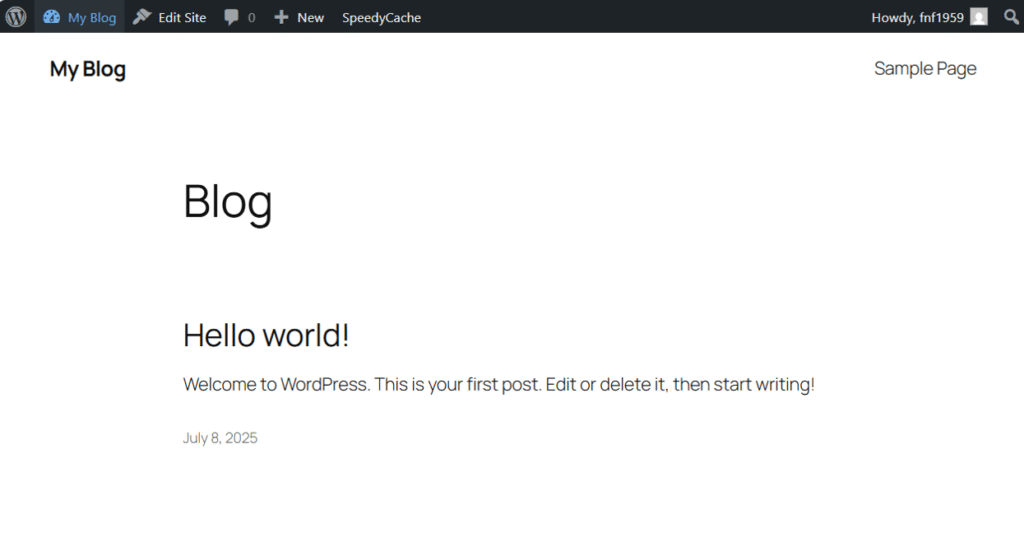
Step 10 : This how it looks
Leave a Reply